How it works
Handling Powerbanks
Before Renting
Always check the powerbank before handing it to a customer:
Press the button on the side
4 LEDs = fully charged → ready to rent
If not fully charged → use another powerbank
Only give out powerbanks that are ready for use.
During Daily Operations
Always handle powerbanks with care
Do not drop or misuse them
Keep them clean and in good condition
Always scan every powerbank before rental
Returned Powerbanks
Always place returned powerbanks directly into the return box
Do not put them back into the rack
Do not mix them with charged units
Returned powerbanks are not ready for reuse.
Defective or Expired Powerbanks
If a powerbank:
Does not work properly
Shows an error in the system
Is visibly damaged
👉 Do not rent it out
👉 Place it in the return box
It will be handled through Chimpy logistics.
Handling Cables
During Rental
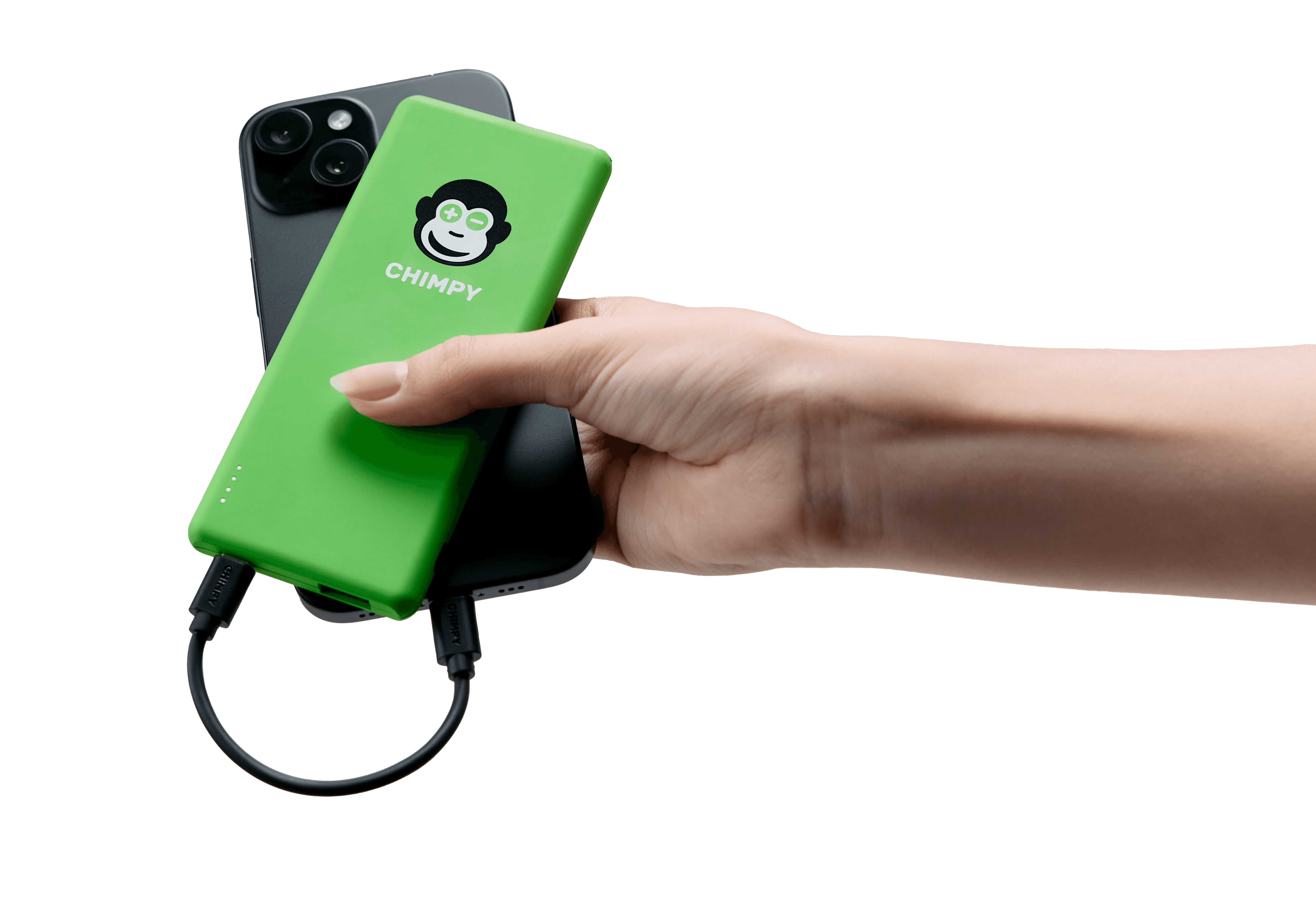
Each powerbank comes with one cable
Always ask the customer which cable they need:
USB-C (newer Android)
Lightning (iPhone)
Micro-USB (older devices)
Make sure the correct cable is provided.
During Return
Check if the cable is included
If missing → select “cable missing” in the app
The system will automatically apply the correct deduction.
Cable Replacement
Spare cables may be included in the box
If needed, replace cables before renting out the powerbank
Ensure every rented powerbank has a working cable
Using Inlays & Inserts
Some boxes or racks include inlays (foam inserts) to organize powerbanks.
How to use them:
Place powerbanks in the designated slots
Ensure they sit securely
Keep the layout clean and structured
Important Notes
Inlays and layouts may change over time
New versions (e.g. 24 powerbanks) may have different setups
Always follow the current configuration provided
Storage Rules
To avoid confusion:
Rack / Display → charged powerbanks only
Box → returned or used powerbanks
⚠️ Never mix these two groups.
Best Practices
Always scan every rental and return
Only rent out charged powerbanks
Always provide the correct cable
Keep everything clean and organized
Replace faulty cables when needed
Common Mistakes to Avoid
❌ Renting out low or empty powerbanks
❌ Forgetting to include a cable
❌ Mixing returned and charged units
❌ Ignoring damaged or defective devices
❌ Not using inlays correctly
Summary
Handling powerbanks and cables correctly ensures:
A smooth experience for customers
Faster operations at the POS
Fewer errors and support cases
Your role is simple:
👉 Check, scan, hand out, and store correctly
Everything else is handled by Chimpy.